Visual voice-agent builder
Turn the way you handle calls into a working agent.
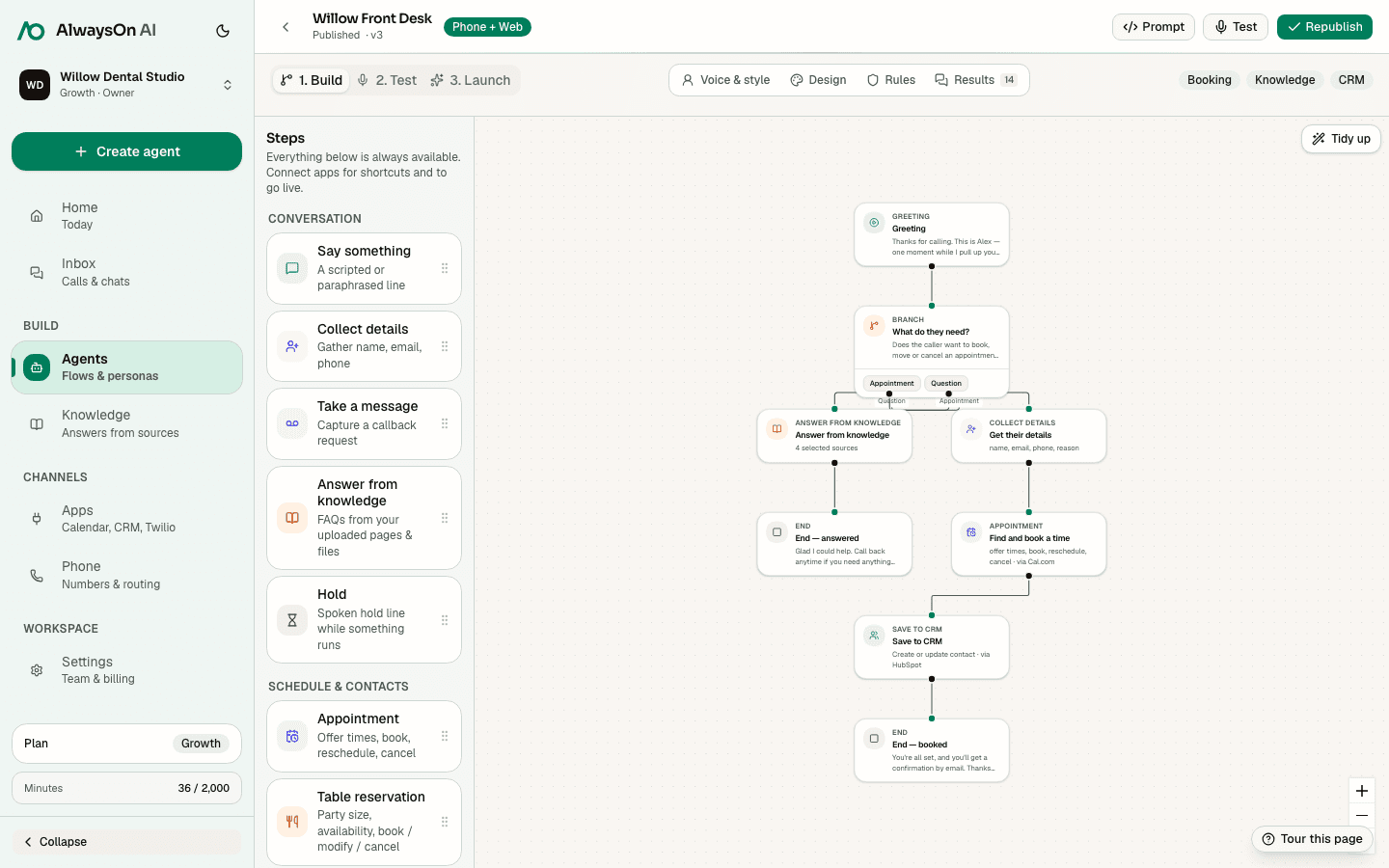
Put questions, knowledge, bookings, app actions, and human handoffs on one editable canvas. Test it on the web. Publish it to your phone line when it is ready.
Visible
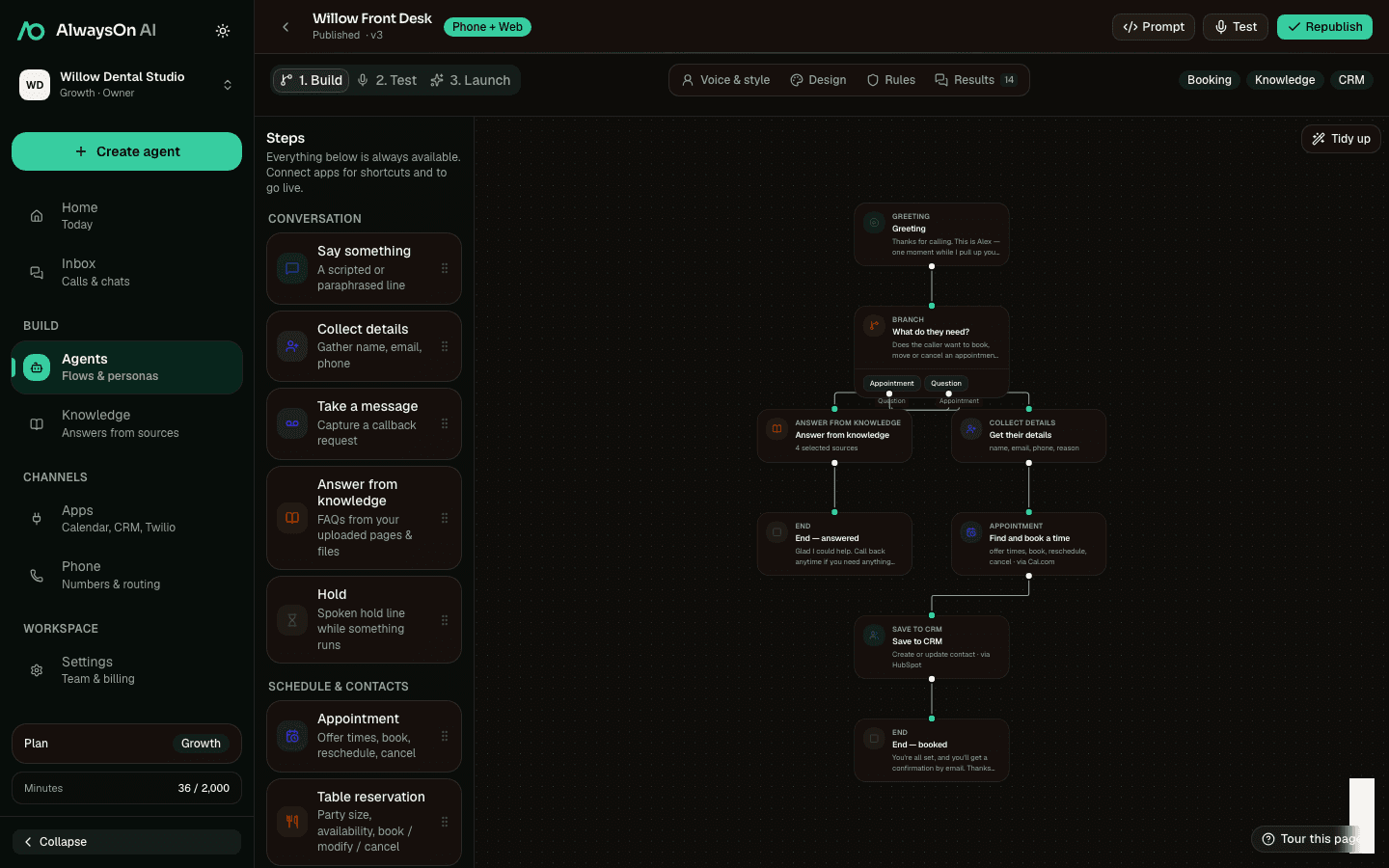
Every question, action, and handoff stays on the canvas.
Grounded
Answers come from the sources you attach to the flow.
Connected
Use supported calendars, CRMs, reservations, and app actions.
Build it in the same order you would train a new teammate.
Start with the job. Make the decisions visible. Add approved material and connected tools. Then test the real experience before you publish.
- hiify.ai · create
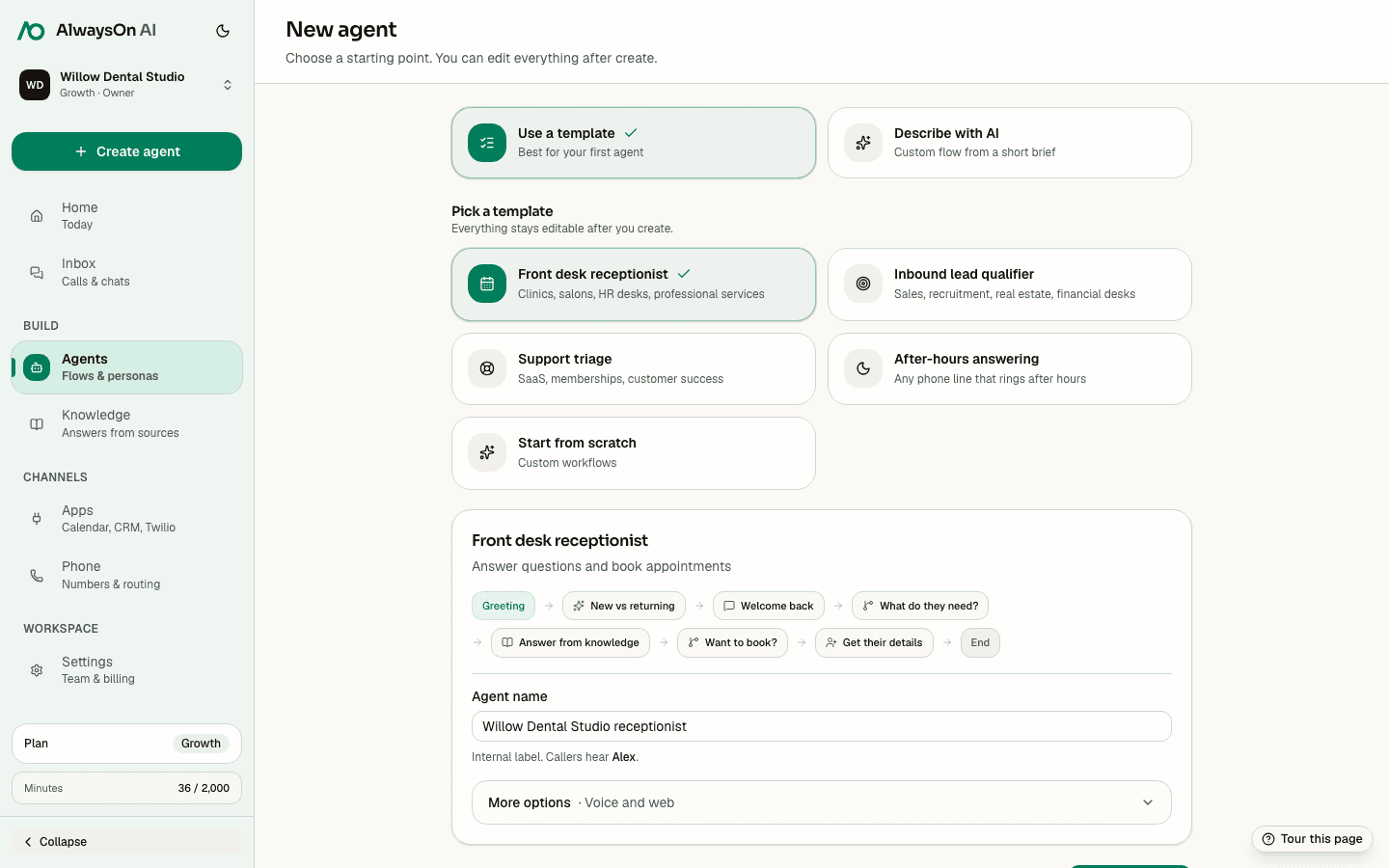
- hiify.ai · shape
- hiify.ai · teach
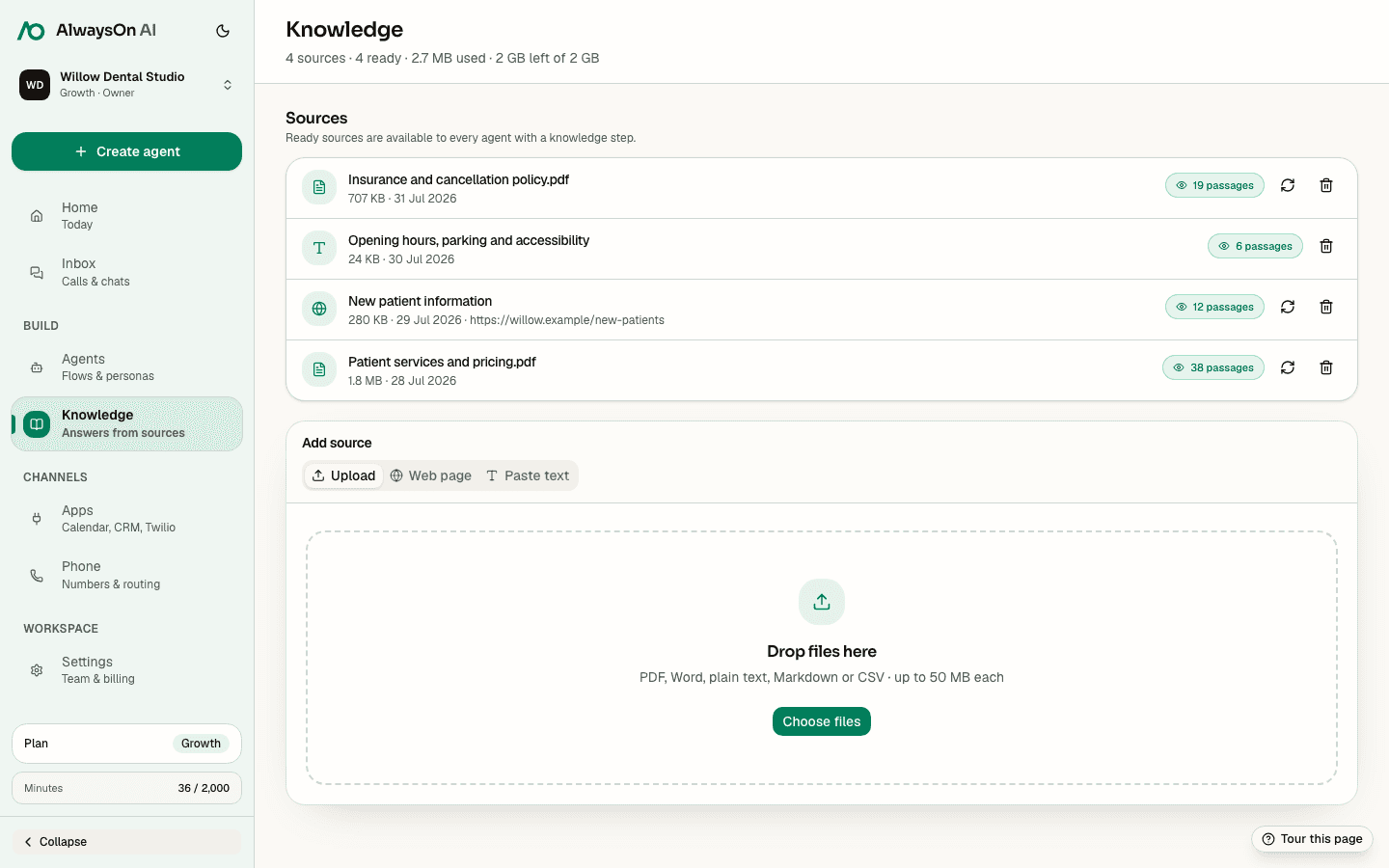
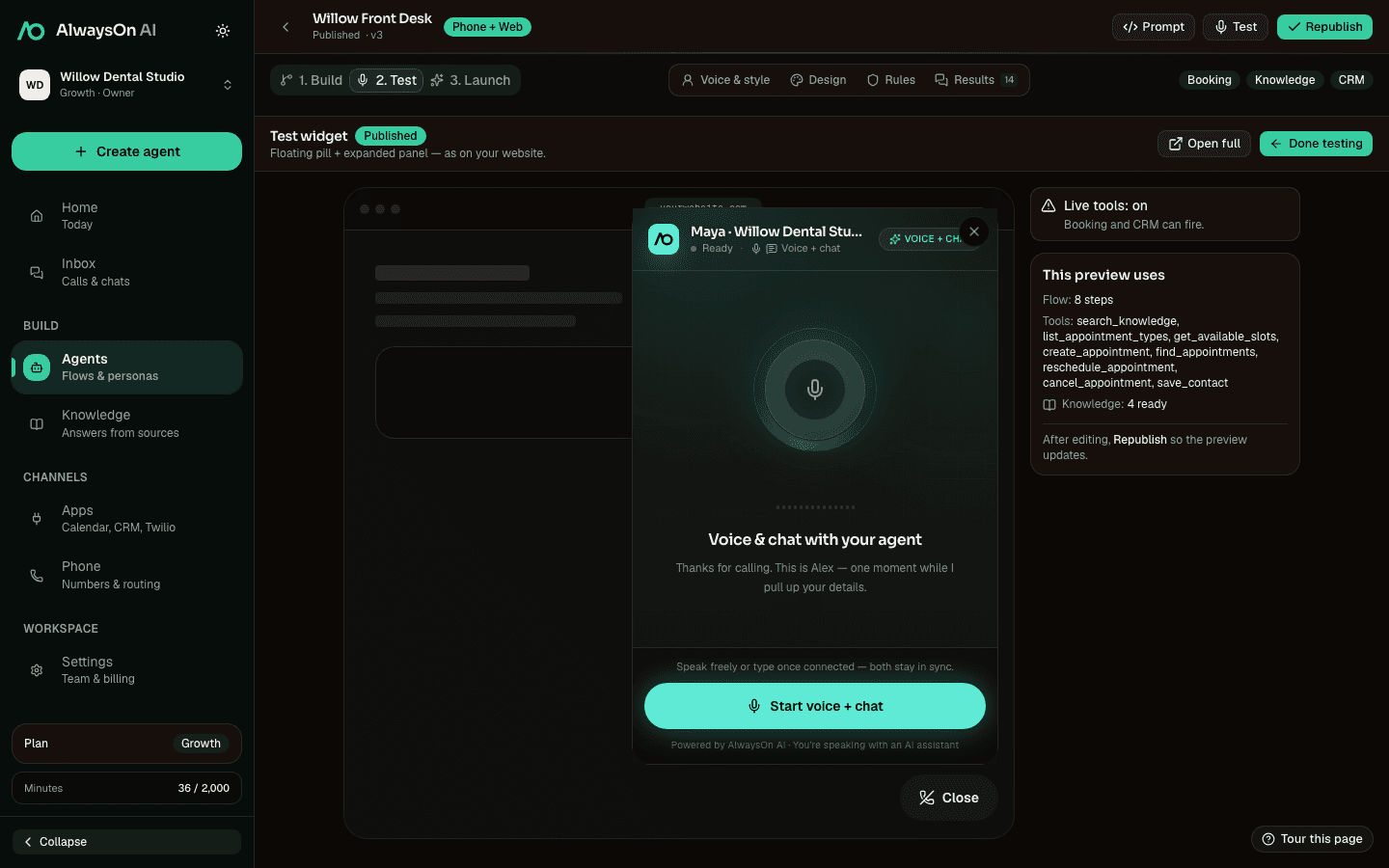
- hiify.ai · test
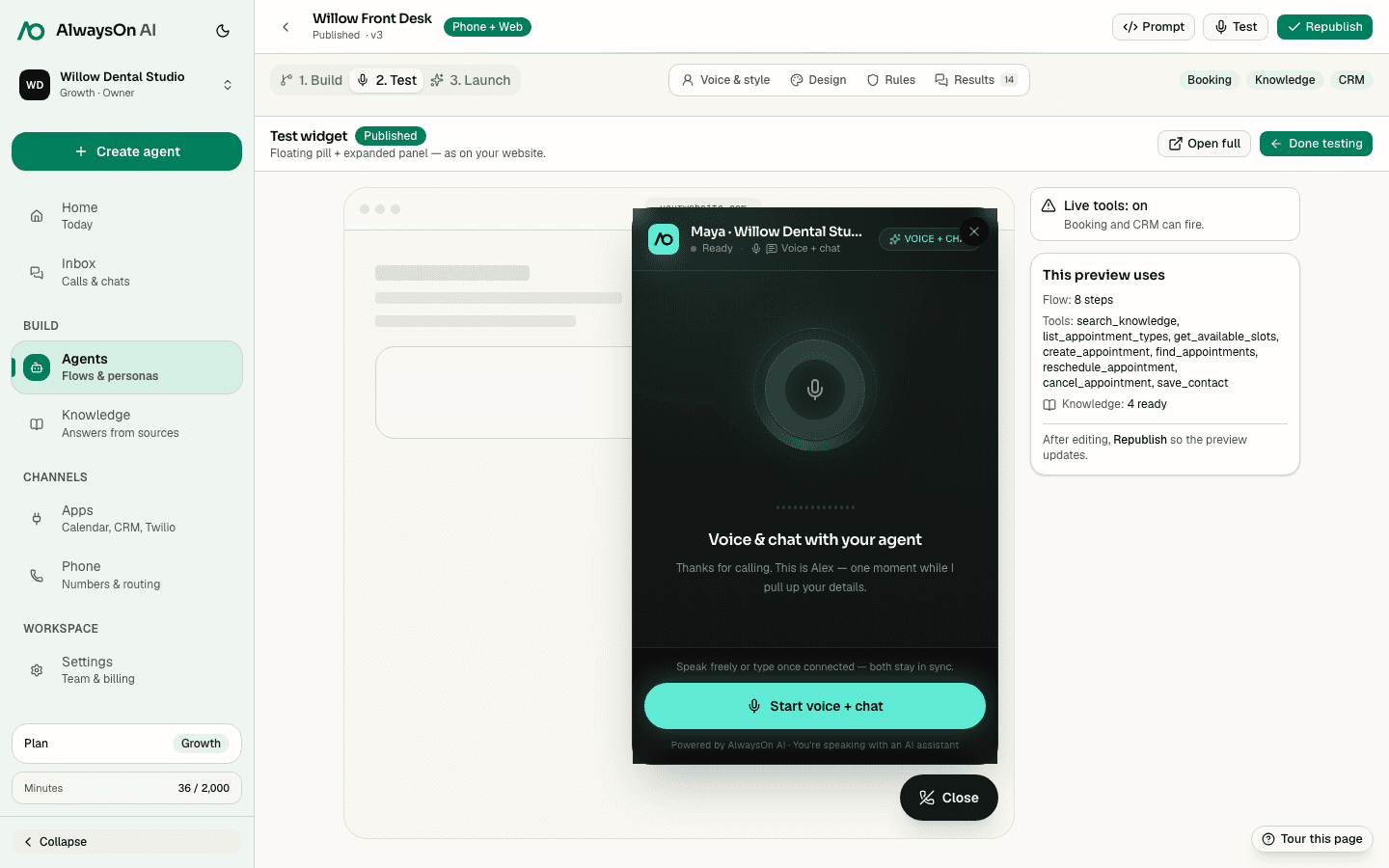
- hiify.ai · launch
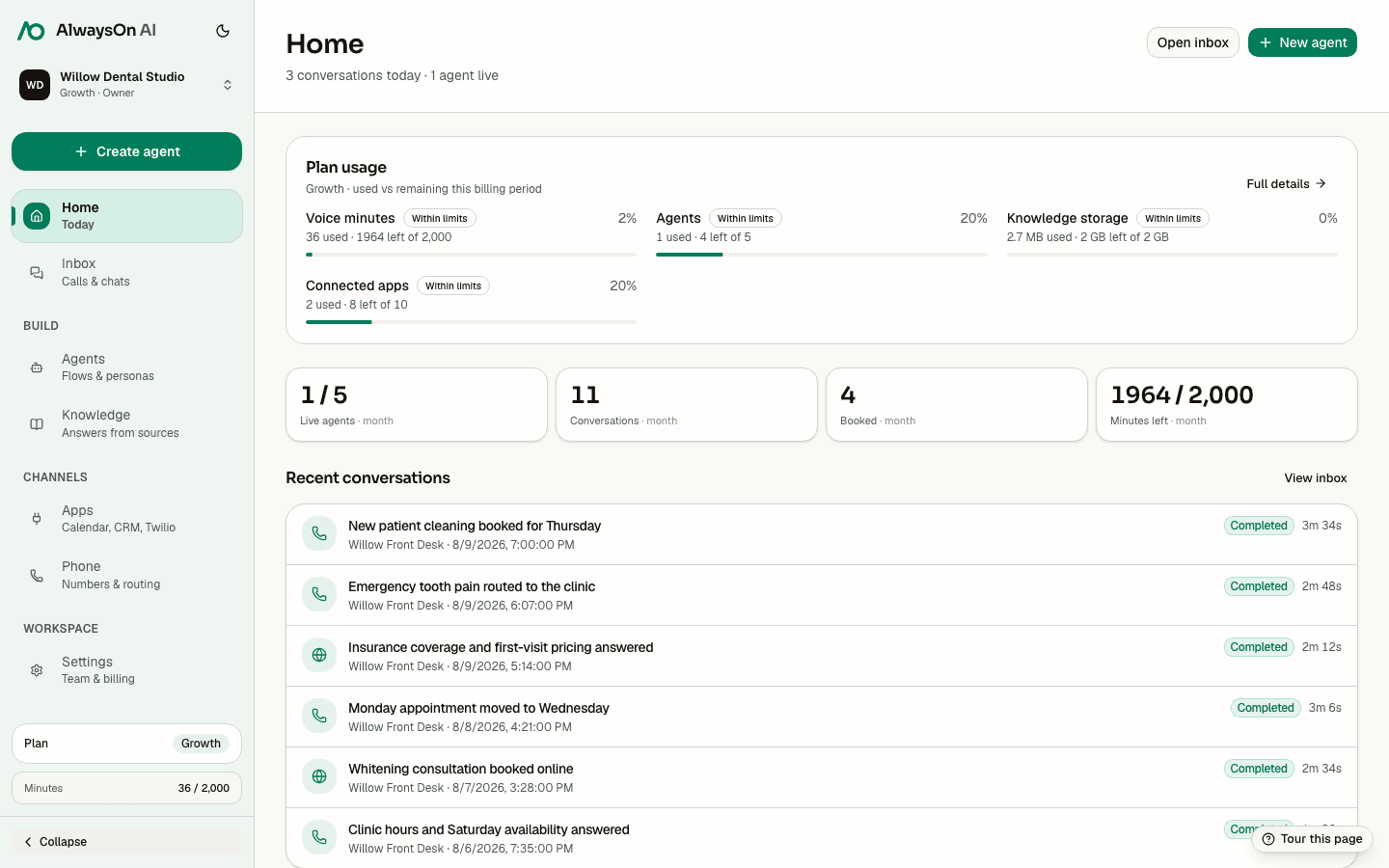
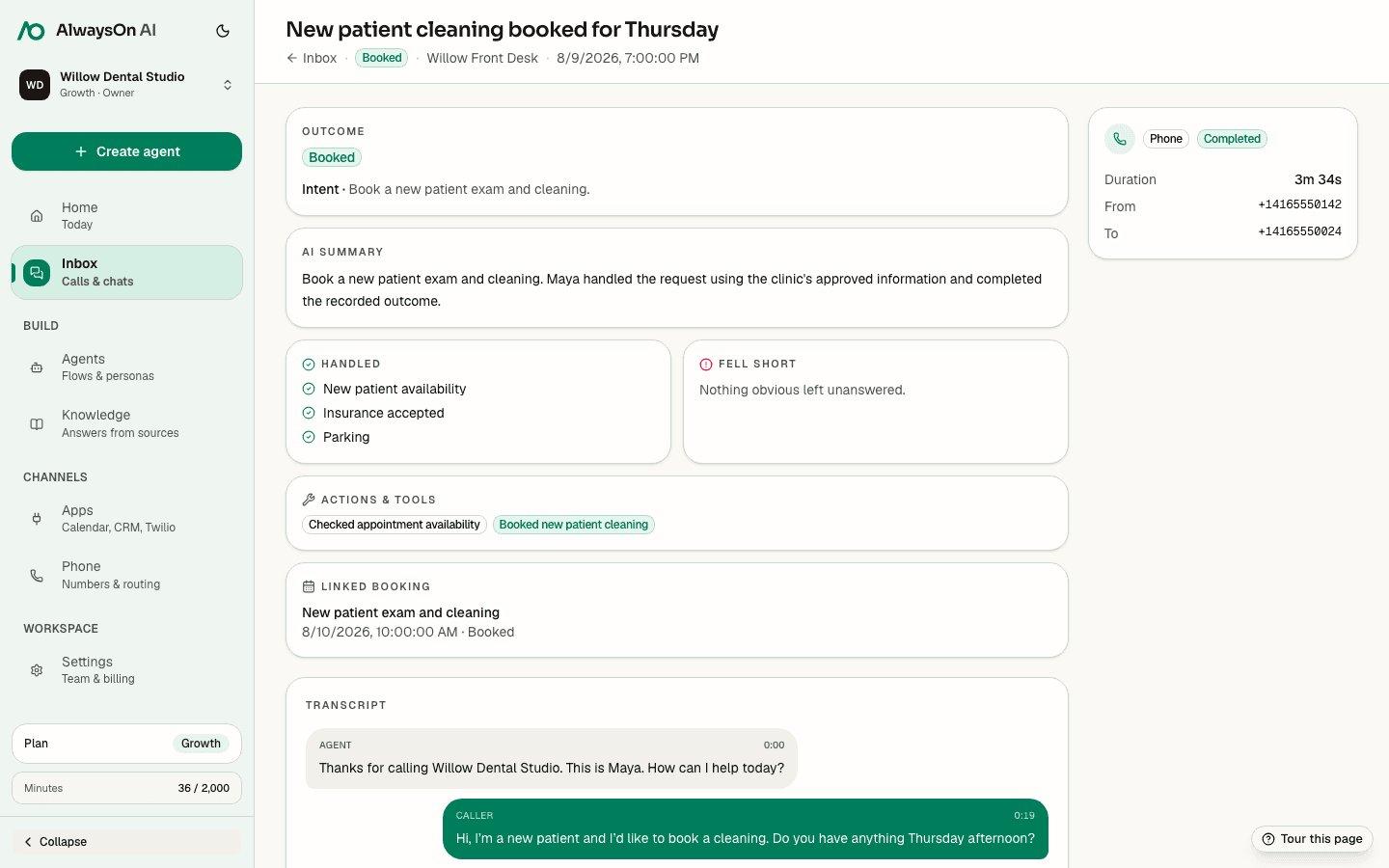
- hiify.ai · review
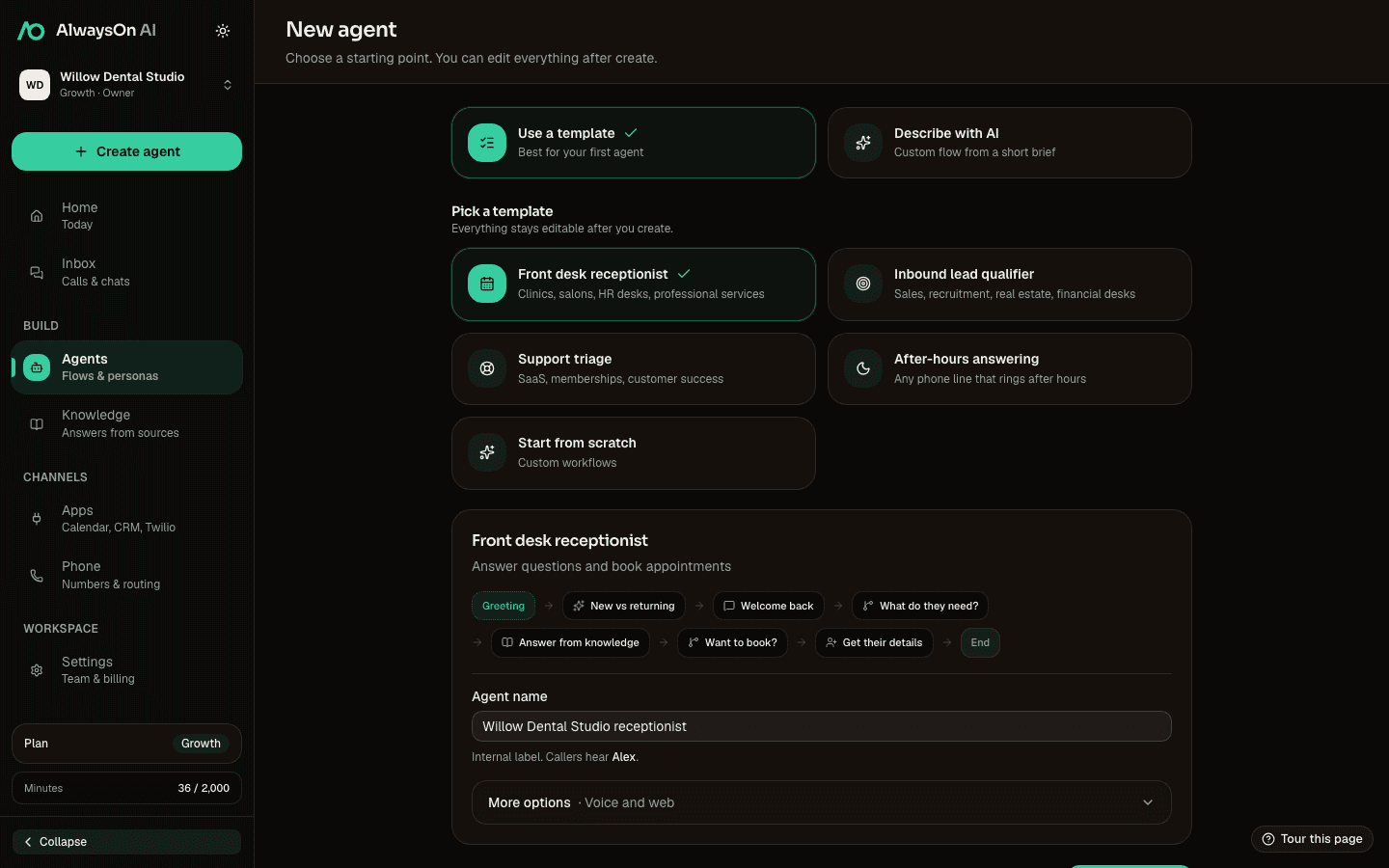
Not a black box. A workflow you can read.
Each step has a job. You decide what the agent asks, what it may answer, which tool it can use, and when a person takes over.
Visible call logic
Ask, collect, branch, wait, take a message, or end the call with an explicit step.
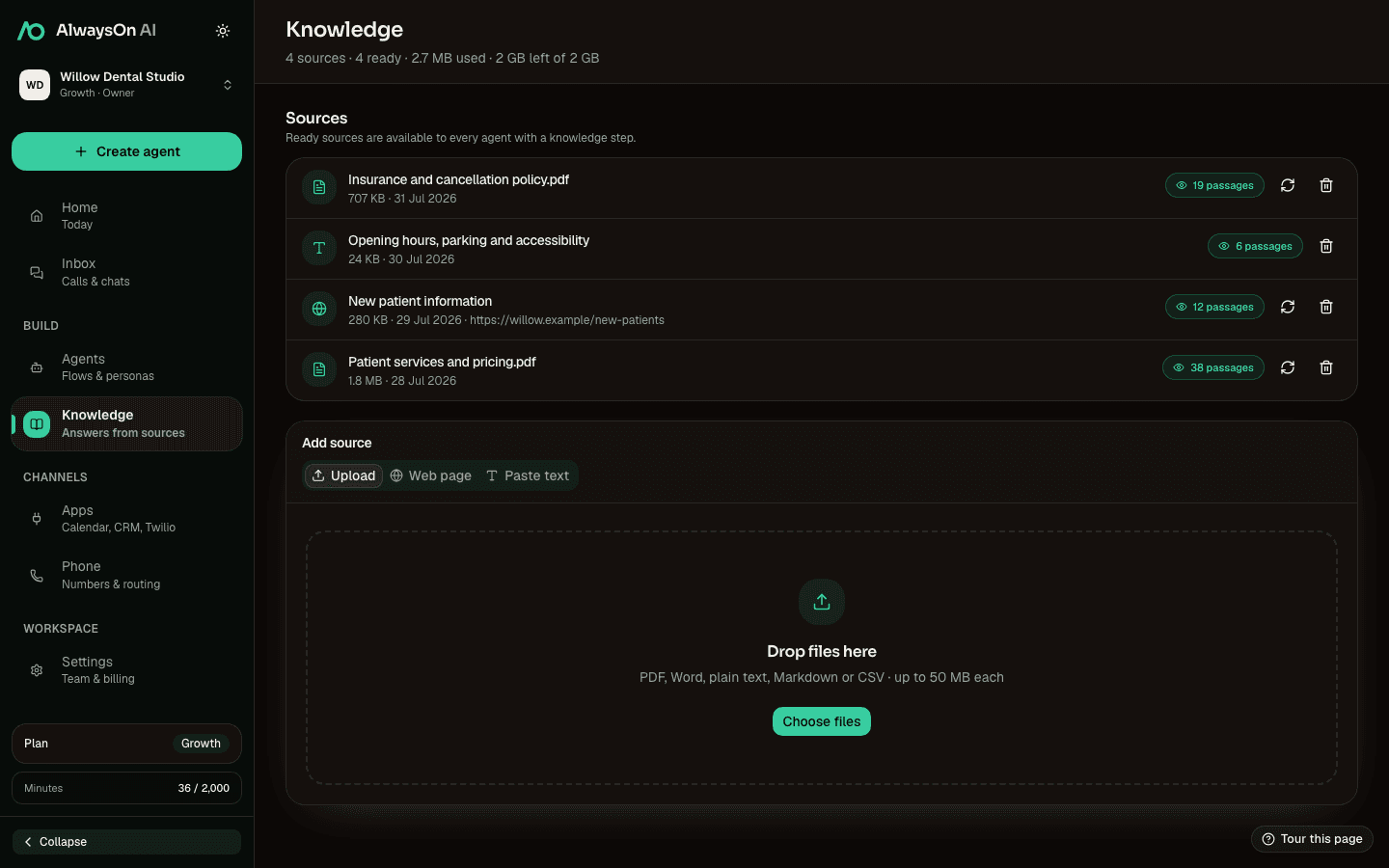
Approved answers
Attach ready files, web pages, or text to the knowledge step that needs them.
Appointments and tables
Check live availability and use the actions supported by the calendar or reservation provider.
Connected actions
Save contacts, send an SMS, notify a team, or run a supported app or n8n action.
A clear way out
Transfer the caller or leave a structured message when a person needs to take over.
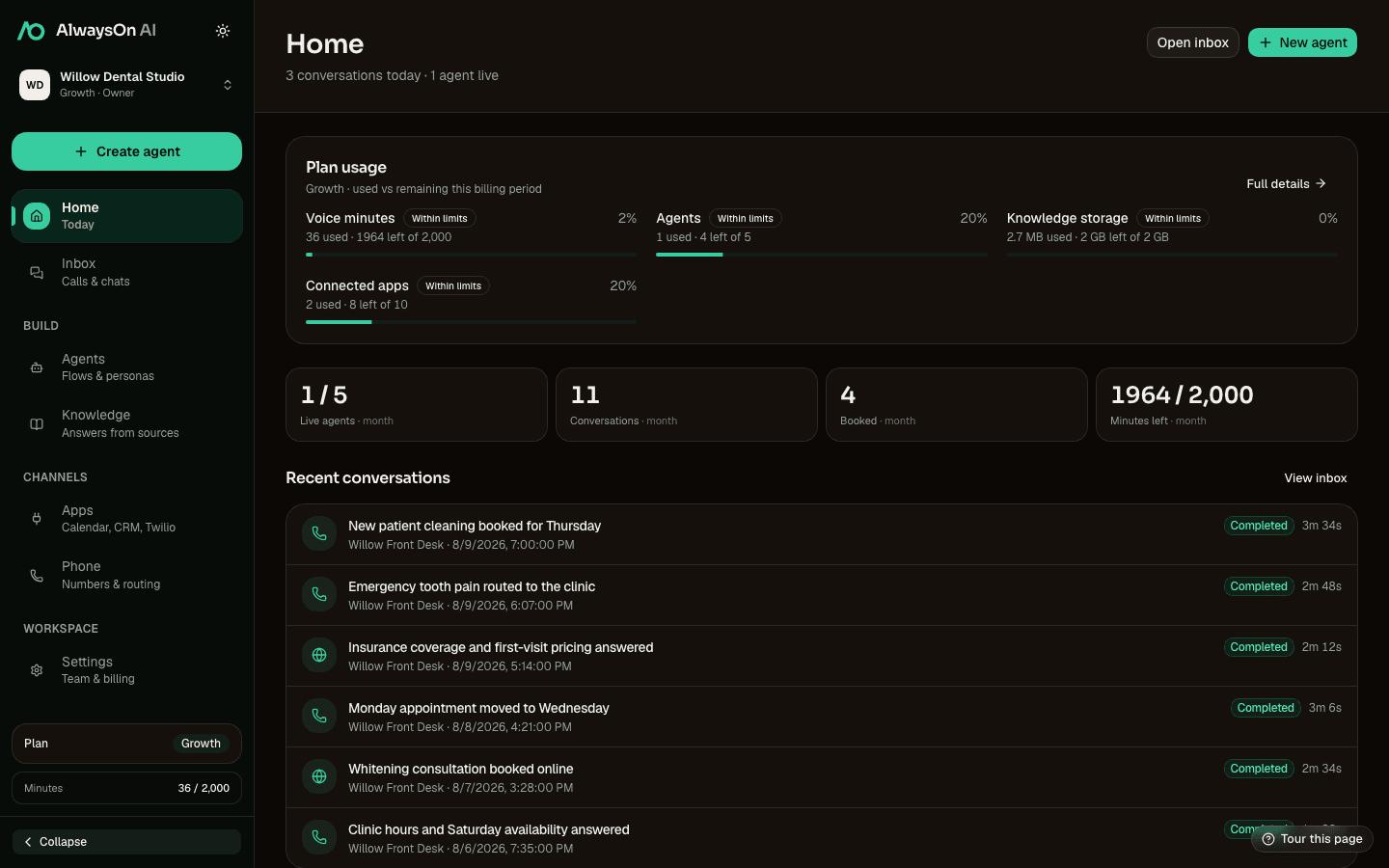
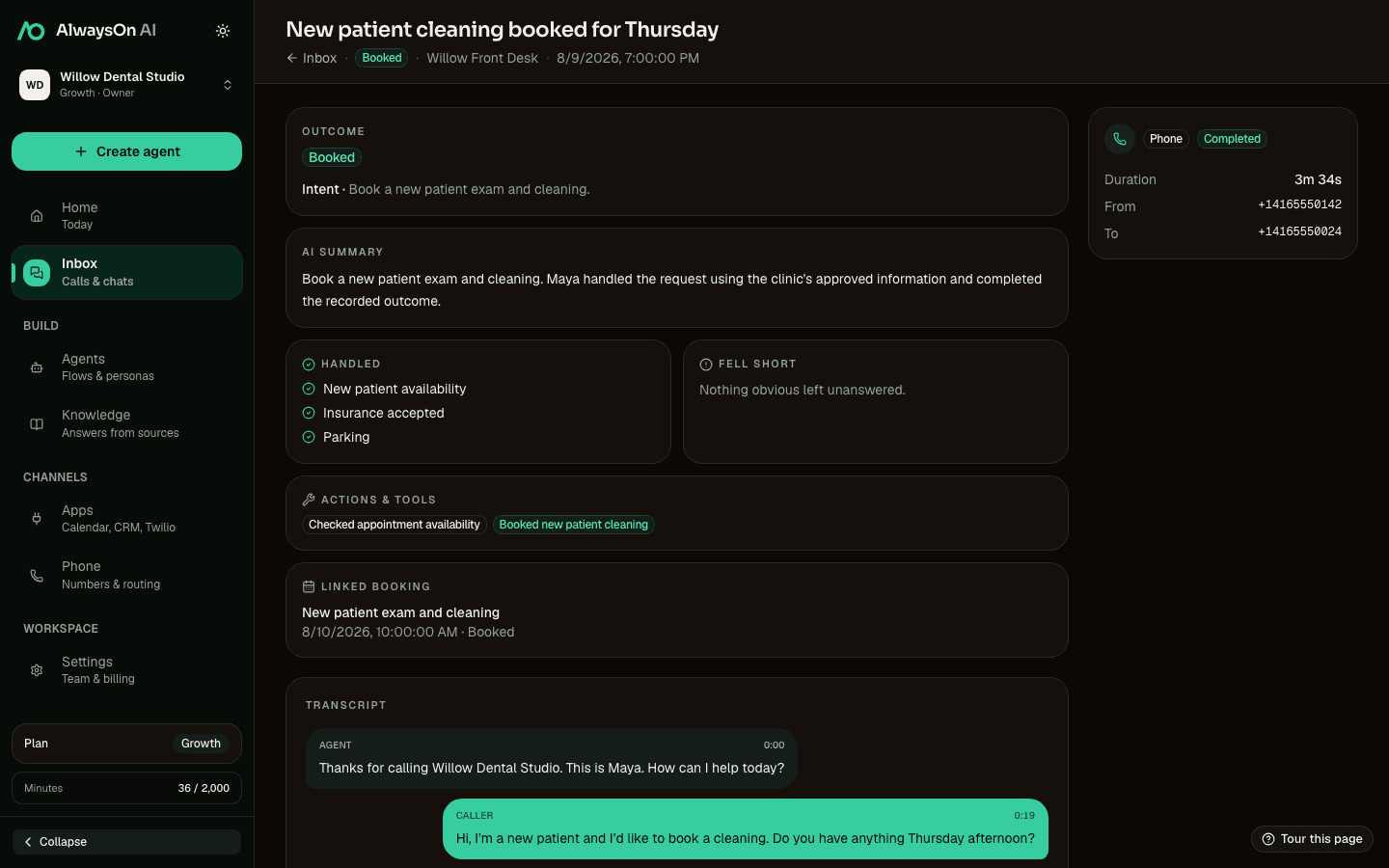
A record after the call
Keep the transcript, channel, duration, and available outcome together in the inbox.
Channels
Start on the web. Add the phone line when it is ready.
Choose web, phone, or both when you create an agent. Phone publishing needs a connected Twilio number and a configured voice runtime.
Web only
Test on your website
Publish a voice-and-text widget without connecting a phone number.
- Embeddable widget
- Voice and text
- Shared flow and knowledge
Voice only
Connect your phone line
Route inbound calls from a Twilio number you connect to the published agent.
- Bring your Twilio account
- Inbound calls
- Human transfer paths
Web + Voice
Use the same agent for both
Keep one editable flow behind the website widget and the phone line.
- One flow
- One knowledge set
- One conversation inbox
The call can end with the work already done.
Add the apps your team already runs, then place their supported actions directly in the conversation flow.
Native connections · provider-specific actions
 TwilioPhone
 Google CalendarScheduling
 SalesforceCRM
 HubSpotCRM
 CalendlyScheduling
 Cal.comScheduling
 TopmateScheduling
- 01
Scheduling
Check live availability, offer times, and complete the actions each provider supports. Booking, changes, and cancellations are shown honestly per connection.
- 02
CRM
Create or update a contact using the details gathered in the conversation, with the transcript and outcome available for the next person.
- 03
Specialist systems
Connect practice, clinic, and reservation platforms directly when their APIs support the action your flow needs.
Use cases
Start with the call your team handles every day.
The product is the same. The questions, decisions, tools, and human handoff change with the work.
View all use cases- Dental practicesDentalAnswer routine questions, collect visit details, and offer real appointment times.See the workflow
- Outpatient and medical clinicsHealth clinicsAnswer clinic FAQs, collect appointment details, and escalate clinical questions.See the workflow
- Aesthetic clinics and med spasAesthetics & med spaExplain approved service information, collect goals, and schedule consultations.See the workflow
- Hair, beauty, and wellnessSalons & spasAnswer service questions and offer appointment times while staff stay with guests.See the workflow
- Agencies, brokers, and property teamsReal estateCollect buyer or seller context, answer approved FAQs, and schedule follow-up.See the workflow
- Law firms and legal intakeLegalCollect defined matter details, schedule intake, and route urgent calls to people.See the workflow
Start with one workflow
Put your front-desk flow on the canvas.
Test it on the web. Connect your own tools and phone number when the conversation is ready.
Start building free