01
Incoming moment
Use case · Operations and workflow teams
An hiify.ai agent can answer runbook questions from approved knowledge, collect a structured request, and trigger a specifically configured n8n or catalog action. Human judgment remains an explicit branch.
From first hello to handoff
Each part is visible in the builder. You decide what the agent asks, which source it trusts, what connected action it can take, and when a person takes over.
Incoming moment
What the agent understands
What it can do
Human handoff
Incidents, ambiguous requests, and actions outside the published flow transfer to the configured owner.
Not a promise of automatic outcomes. A clearer path from an incoming request to the next accountable step.
The agent can call only the actions that are explicitly connected and published in its flow.
Visible in the workflowEach workflow receives the summary and caller fields it expects.
Visible in the workflowUnclear or higher-risk requests can route to an owner instead of improvising an action.
Visible in the workflowThese are grounded examples, not live simulations. Each step maps to a builder block you can configure, connect, and publish.
Understand
The agent identifies the request and collects the payload fields defined in the flow.
Act
It triggers the configured n8n webhook or catalog action and reports only the returned result.
Hand over
Failures or requests outside scope become a message or transfer.
Understand
The agent records impact and environment fields chosen by the operations team.
Act
It posts the configured alert and transfers to the on-call destination when included in the flow.
Hand over
The owner receives the structured incident summary.
Inside the product
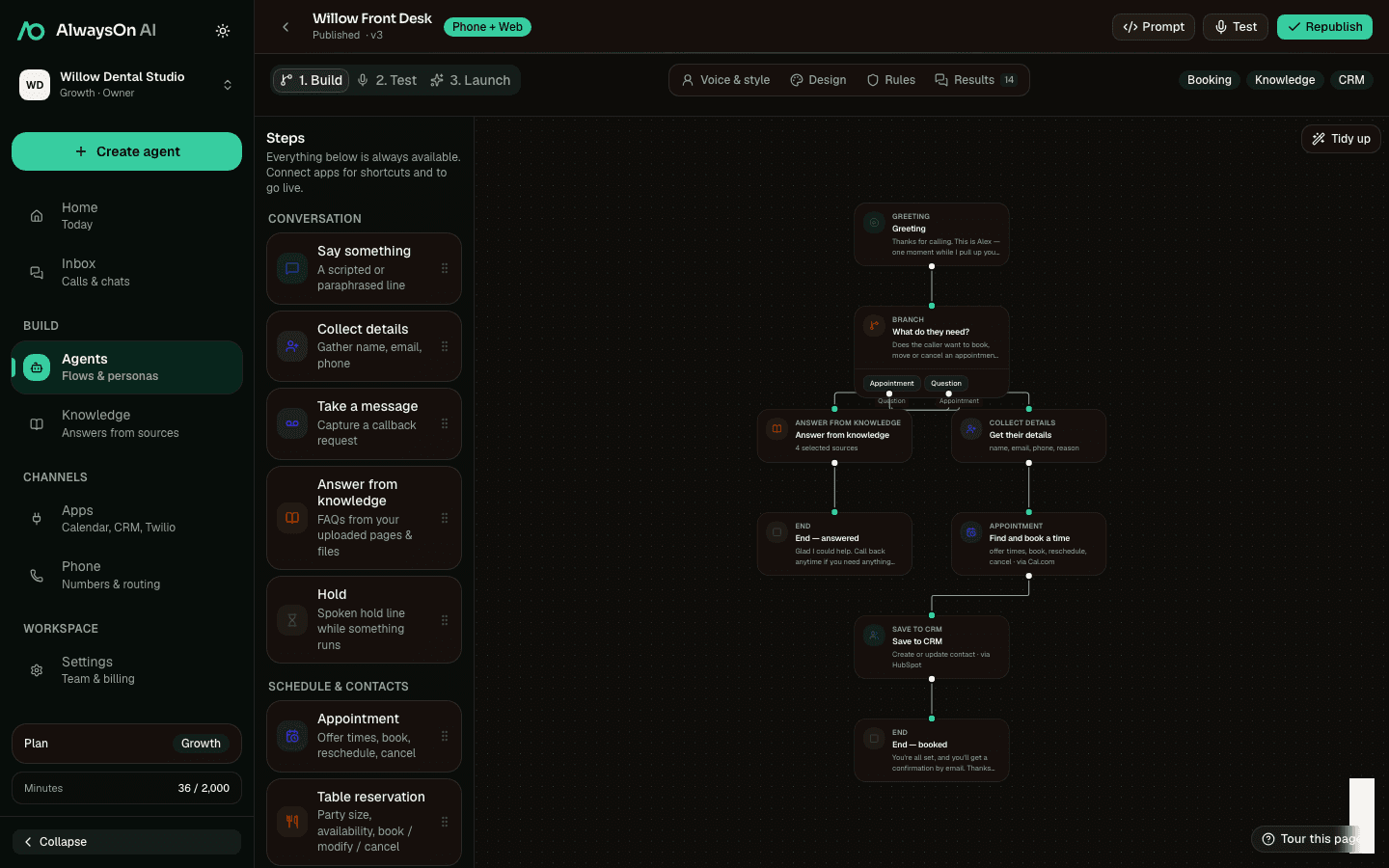
The product builder exposes the exact knowledge, payload, action, result, and transfer steps an operations agent can use.
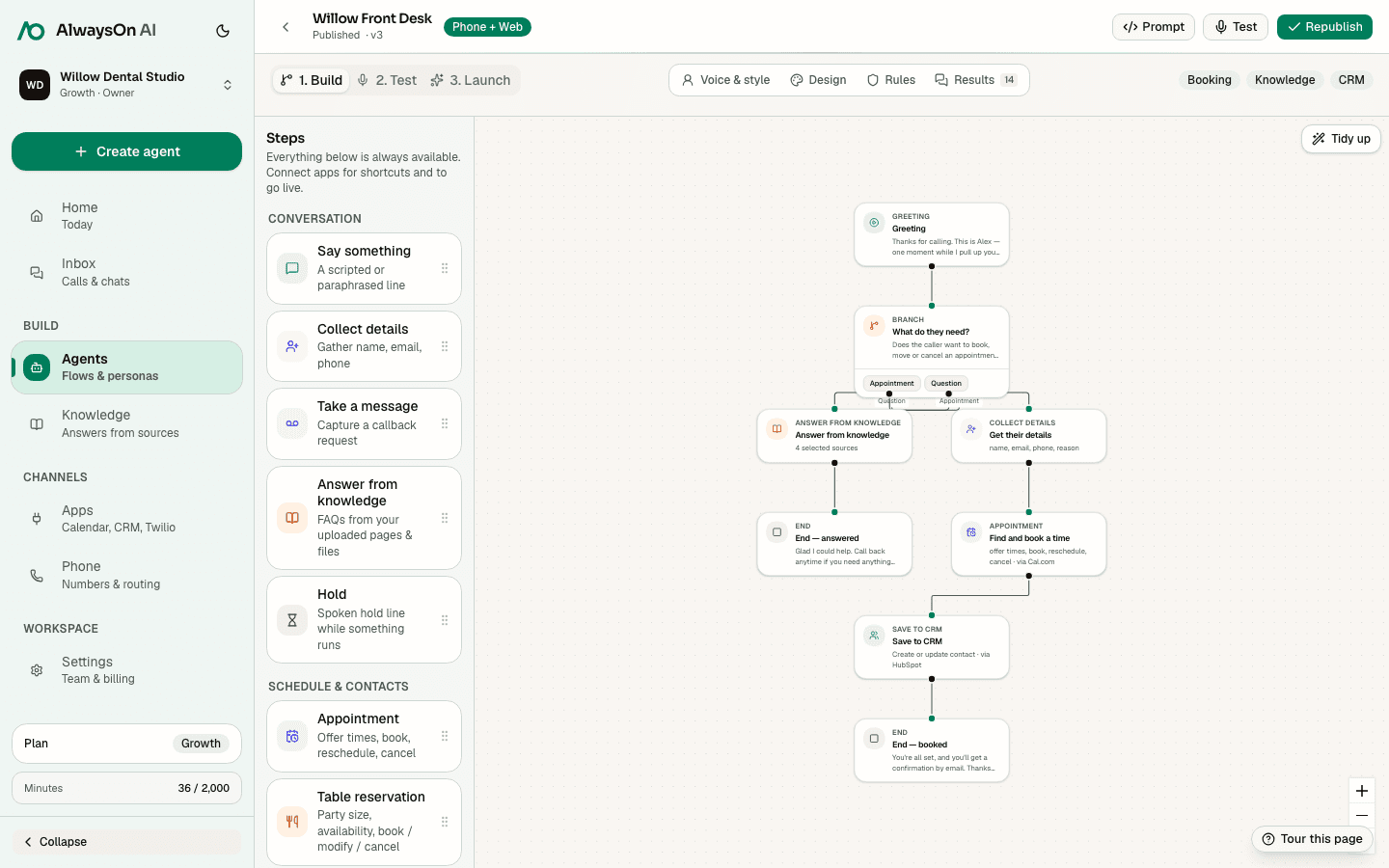
One buildable path · Configured workflow request
A practical starting set for automation & ops workflows. Connect only the apps your team uses.
 n8nConfigured workflow action
 SlackConfigured team notification
 TwilioPhone numbers and configured SMS
 HubSpotCRM contact and call context
 GmailConfigured email action
 Google CalendarAvailability and calendar events
Availability, booking, lookup, changes, cancellation, and waitlist support vary by provider. hiify.ai exposes only the actions supported by the connected provider and enabled in the published flow.
Browse integrationsCompare how another team combines intake, knowledge, connected actions, and human handoff.
Explain services, collect project context, and book the right conversation.
Use approved policy sources, schedule HR time, and route sensitive requests.
Capture job details, book supported visit windows, and notify dispatch.
Next step
Start with the incoming moment, add approved knowledge and supported actions, then define the human handoff.