01
Incoming moment
Use case · Recruitment agencies and talent teams
An hiify.ai agent can answer role or agency questions from approved sources, collect defined screening details, and book a recruiter conversation. Records can be saved to a connected CRM; no ATS or HRIS connection is assumed.
From first hello to handoff
Each part is visible in the builder. You decide what the agent asks, which source it trusts, what connected action it can take, and when a person takes over.
Incoming moment
What the agent understands
What it can do
Human handoff
Hiring decisions, candidate evaluation, compensation negotiation, and employment advice stay with recruiters and hiring managers.
hiify.ai does not claim a native ATS or HRIS write-back in this flow.
Not a promise of automatic outcomes. A clearer path from an incoming request to the next accountable step.
Every caller receives the screening prompts your team puts in the flow.
Visible in the workflowAppropriate callers can select a returned recruiter time without email coordination.
Visible in the workflowThe configured CRM can receive contact details and a concise call summary.
Visible in the workflowThese are grounded examples, not live simulations. Each step maps to a builder block you can configure, connect, and publish.
Understand
The agent answers supplied role questions and collects the team’s defined screening details.
Act
It books a recruiter call and saves the caller to a connected CRM.
Hand over
A recruiter handles evaluation, eligibility, and hiring decisions.
Understand
The agent collects the role, timeline, company, and contact details.
Act
It books a discovery call with the appropriate recruiter or account owner.
Hand over
Commercial terms and search advice remain with the recruitment team.
Inside the product
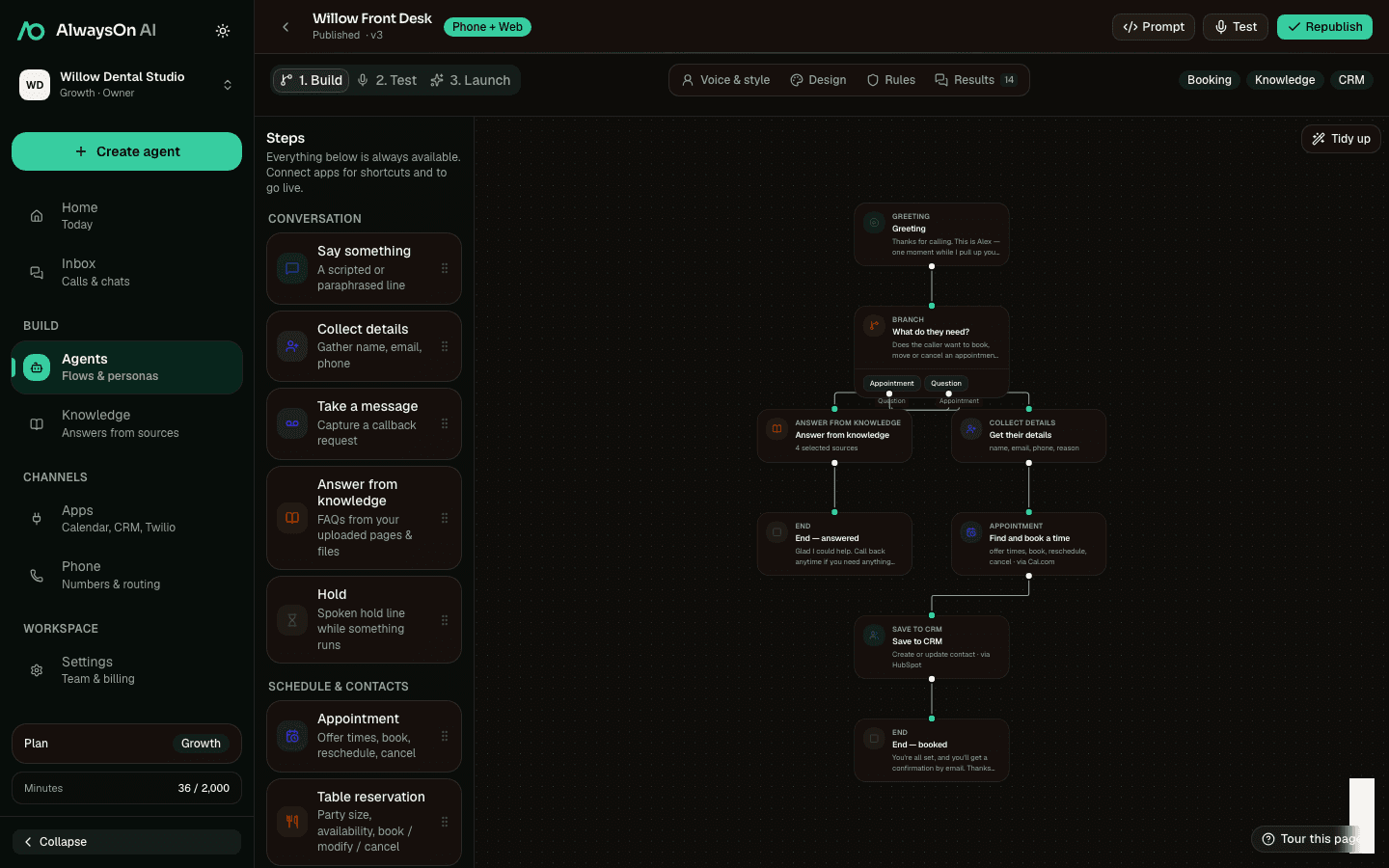
The real builder supports structured questions, role knowledge, scheduling, CRM capture, and a recruiter handoff.
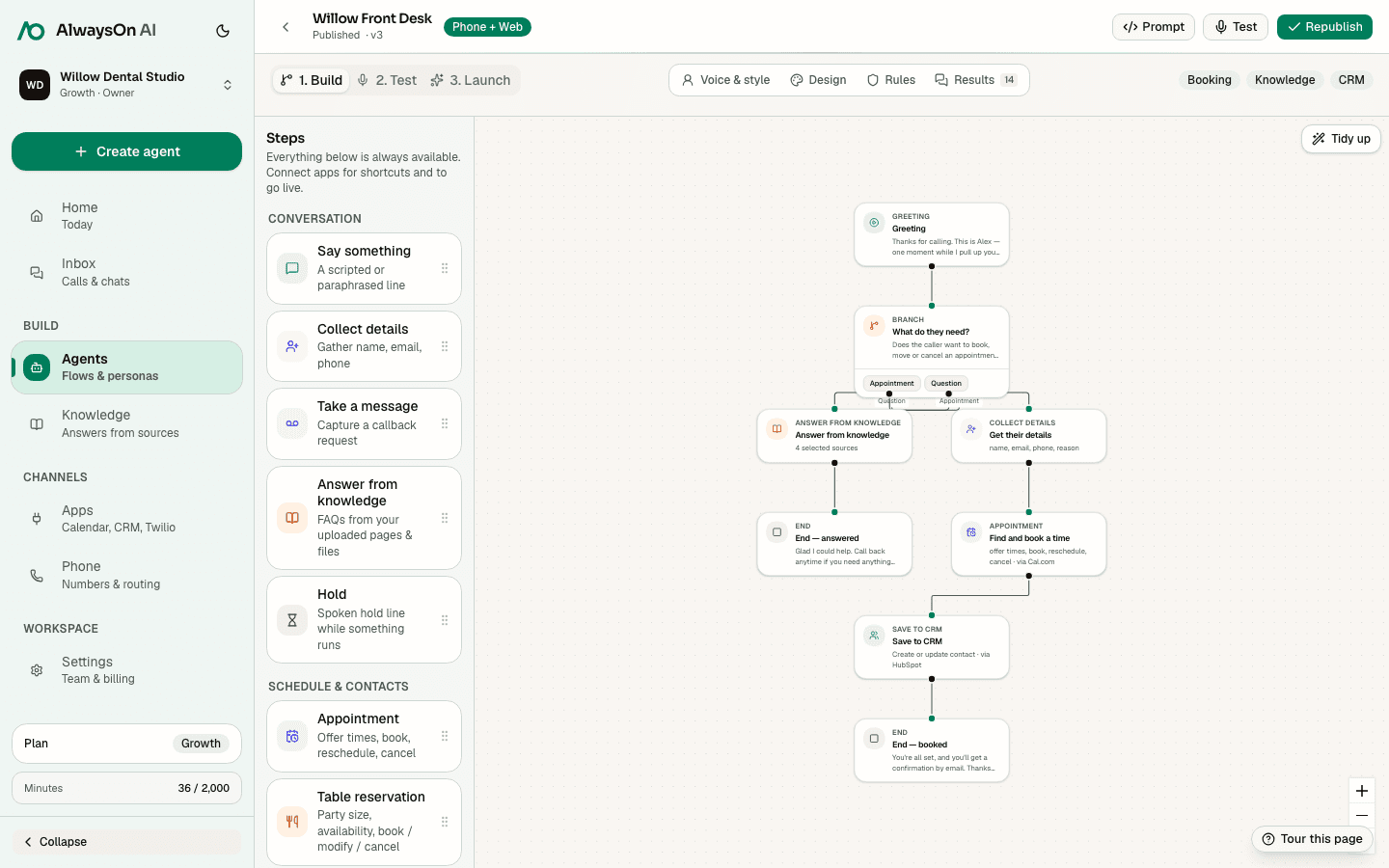
One buildable path · Candidate inquiry
A practical starting set for recruitment workflows. Connect only the apps your team uses.
 Cal.comAvailability, booking, changes
 HubSpotCRM contact and call context
 SalesforceCRM contact capture
 PipedriveCRM contact capture
 TwilioPhone numbers and configured SMS
 GmailConfigured email action
Availability, booking, lookup, changes, cancellation, and waitlist support vary by provider. hiify.ai exposes only the actions supported by the connected provider and enabled in the published flow.
Browse integrationsCompare how another team combines intake, knowledge, connected actions, and human handoff.
Use approved policy sources, schedule HR time, and route sensitive requests.
Explain services, collect project context, and book the right conversation.
Collect buyer or seller context, answer approved FAQs, and schedule follow-up.
Next step
Start with the incoming moment, add approved knowledge and supported actions, then define the human handoff.